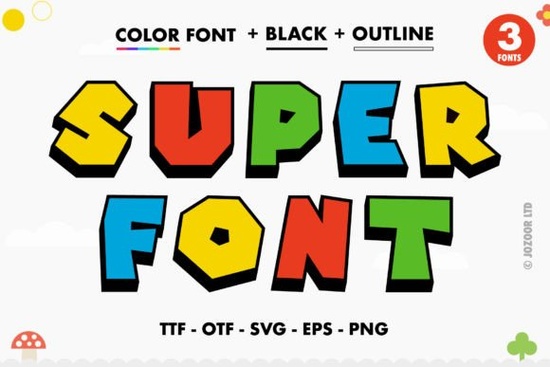
If you design for social media, print-on-demand products, or lively crafting projects, Super Font brings a bold, chunky letter style that already comes packed with color. It’s an OpenType-SVG color font, which means the fills, textures, and playful marker-like feel are part of the font itself you don’t have to manually add colors in your design software. The thick strokes and fun vibe make it a natural fit for everything from party invitations to back-to-school classroom décor.
What makes a color font different from a regular font?
Standard fonts are outlines. You pick a fill color in your program, and every letter takes that one color. A color font like Super Font includes all the shades, gradients, and details right inside the file. When you type with it, you see the fully layered, multicolored result instantly. Under the hood, it’s an OpenType-SVG font, so it displays those built‑in colors in supported apps no extra coloring steps required. Just type, size, and place it.
Which programs can I use Super Font with?
The product works reliably in software that supports OpenType-SVG glyphs. You’ll get the full color effect in these applications:
- Adobe Photoshop CC 2015.5 or newer
- Adobe Illustrator CC 2018 or newer
- Silhouette Studio (Designer Edition and above)
- Inkscape 1.0 and later
If you’re running an older version or a basic edition, the font may appear only as a black silhouette or fall back to a default outline. Always check your software version to avoid surprises.
Can I use this thick lettered font with my Cricut?
No. Cricut Design Space does not support Opentype-SVG color fonts. The download includes OTF/TTF files, but they are standard outline fonts without the built‑in colors and, importantly, the product’s notes clearly state that the OTF and TTF files are not compatible with Cricut. That means you can’t use any part of this font in Cricut not for print‑then‑cut projects either. If you strictly need Cricut‑friendly thick styles, you’ll want to look for a regular outline font that you color yourself.
How do I access all the swashes and alternate letters?
Super Font is PUA encoded. That stands for Private Use Area a special range of Unicode slots where the extra glyphs live. You don’t need third‑party glyph panels. In Photoshop or Illustrator, open the Glyphs panel and scroll through the alternates. On Windows, you can use the Character Map. On a Mac, Font Book works, though direct glyph panels are smoother. The PUA setup means every swash, ligature, and alternate character has a predictable codepoint, so copying and pasting the decorative letters into your design is quick.
What are the best projects for this kind of fun, chunky lettering?
This style screams personality. Common uses include:
- Sublimation tumbler wraps and T‑shirt designs
- Party banners, cupcake toppers, and birthday décor
- Kids’ activity sheets, book covers, and sticker sheets
- Social media quote graphics and YouTube thumbnails
- Print‑on‑demand mugs, tote bags, and phone cases
Because the letters already carry their own color, your designs feel finished right away. If you’re putting together a cheerful classroom set, you might pair Super Font with other back‑to‑school colorful fonts for matching bulletin board letters or name tags. You can also browse the full colorful fonts collection to find more layered typefaces that work the same way.
Anything to keep in mind before you add it to your cart?
Since Super Font is an SVG‑based color font, it won’t behave exactly like a vector shape. In some apps, scaling up too far might cause a slight pixelation if the program rasterizes the glyphs test with your usual export sizes. Also, older Silhouette Studio editions (below Designer) don’t support OpenType‑SVG at all. If your workhorse software is Cricut Design Space, this font simply won’t work, no matter the file type.
Quick compatibility checklist before you start:
- Your software version supports OpenType‑SVG (check the list above).
- You aren’t relying on Cricut Design Space for cutting or printing.
- You’ve opened the glyphs panel or character map to test a few alternate characters.
- You’ve typed a short phrase and zoomed out to confirm the colors look clean at your final size.
Spending two minutes on that little test saves you from rework later. Once you confirm things run smoothly, the thick, colorful letterforms do the heavy lifting for you.
Explore Design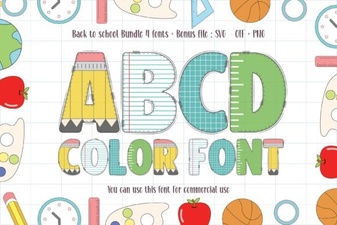 Creative Back to School Font Ideas for Designs
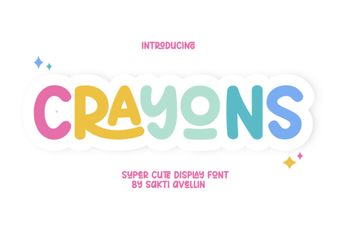 Creative Designs & Fun Projects with Crayons Font
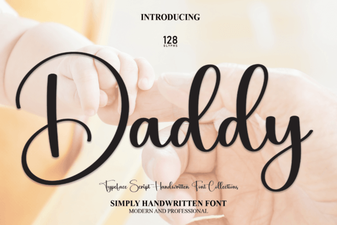 Daddy Font: Expressive Type for Bold Creative Projects
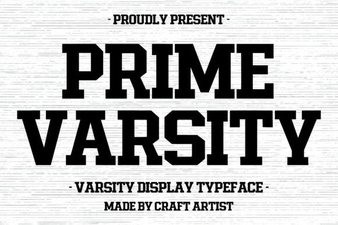 Prime Varsity Font: Elevate Your Sports Branding
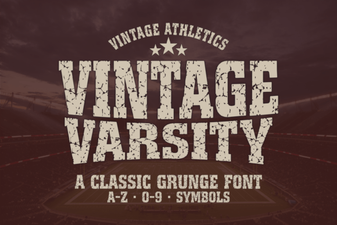 Vintage Varsity Font Ideas for Retro Designs
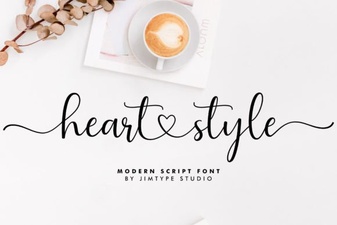 Heart Style Fonts: Design Ideas & Creative Uses